
🔬
Research
Study robots, smart hardware and embedded systems on real devices: motion, vision, grasping, data and reliability.
Global Local Lab Alliance
OpenHW Lab is an alliance of local labs from around the world, covering smart hardware fields such as robots, drones, dev boards, servers, embedded systems and secondary development.
Join the alliance, build and grow together, and reach more regions.
Study robots, smart hardware and embedded systems on real devices: motion, vision, grasping, data and reliability.
Code, structures, tutorials, test methods and data under MIT — the result plus a reproducible process.
Open up space, equipment and test capacity to form a network of labs that support each other nearby.
Local labs worldwide: engineers can find a place to research, test and exchange without travelling far.
All research is open-sourced. Bring a device, a question or a project — help us bring local labs to more cities. Get involved →
Main console, 3D arm, gripper, voice and mission command; real/3D sync with limit guards.
Collection, annotation, limit database and training analysis — a reproducible data loop.
Motion / calibration / perception / data / training / reliability checklists and progress.
Dance editor, head camera and wrist camera for motion authoring and dual-view debug.
Source opened by module (MIT): download the Ecovacs BaJie robot source (3.9 MB) — organised by brand/model; more models coming.
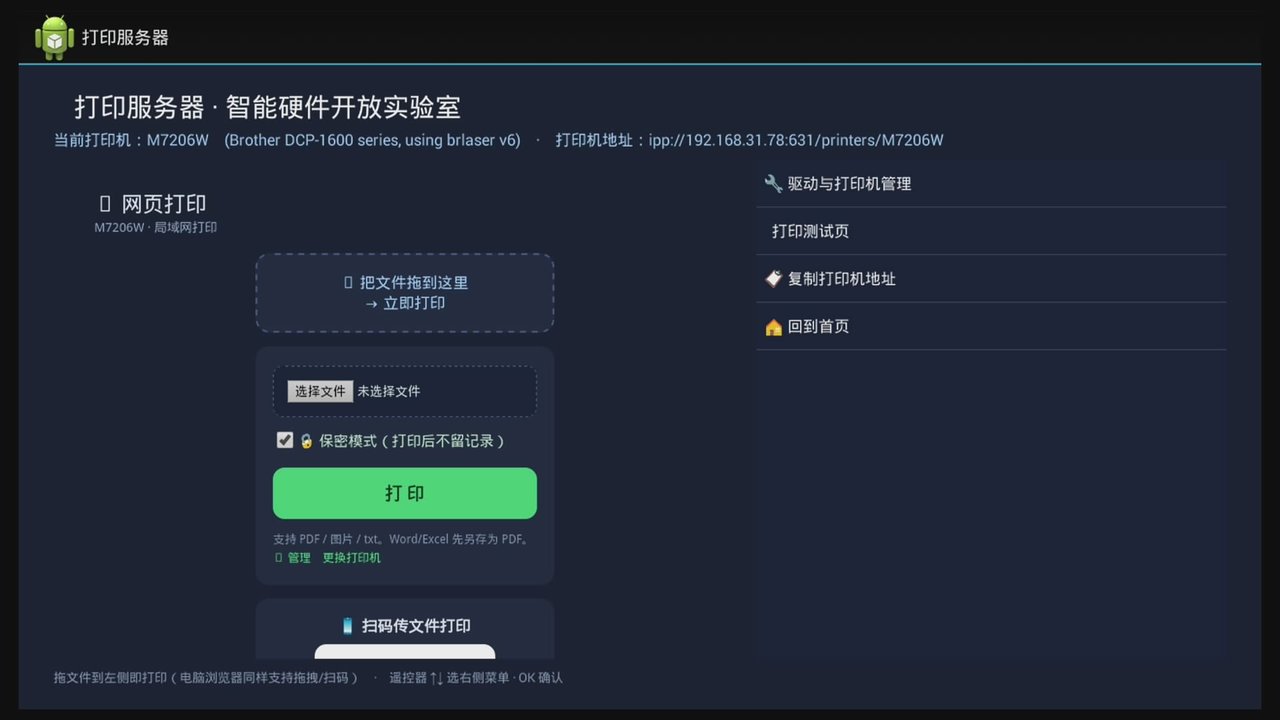
Turn a dusty China Mobile CM201-1 box into a network printer: print from phone/PC via web or QR, direct IPP. Adapts to many brands — model auto-detected & driver matched from the built-in library; HP 1018/1020/1022 plug & play.
ab160de262c3b062ef64aef9373e48d672821d4e85580974b2385320f22eeedf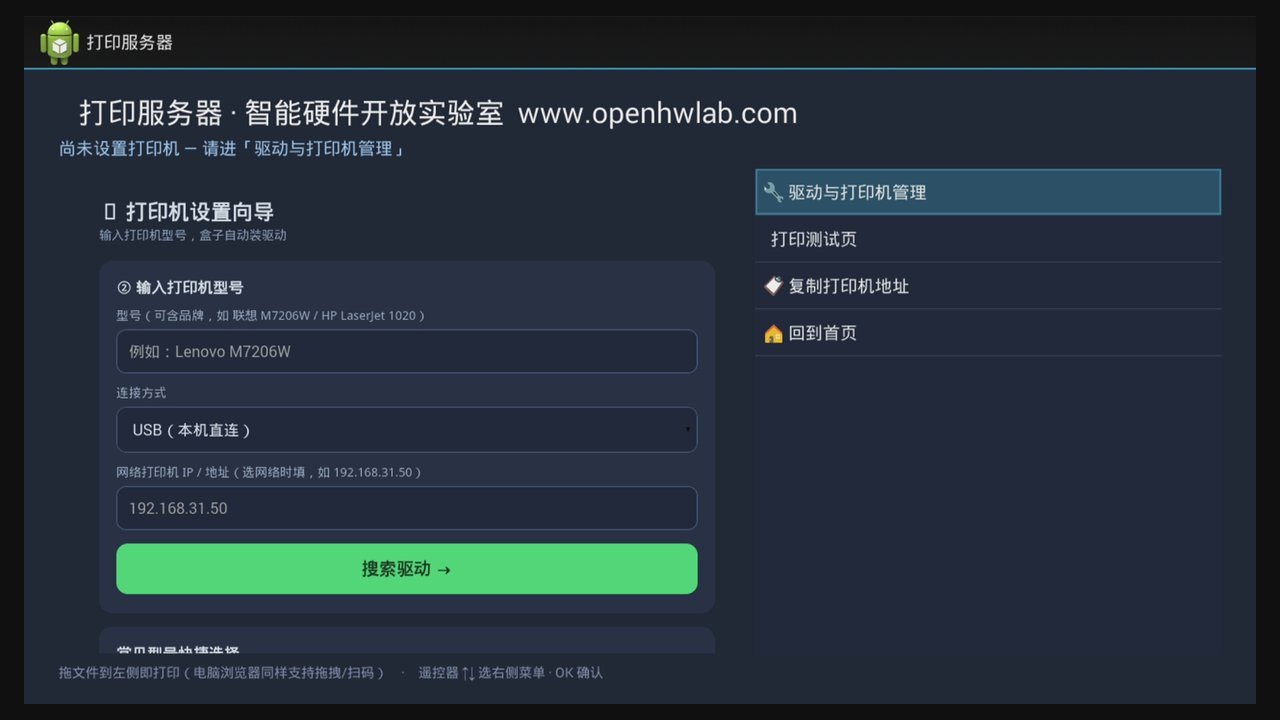
Turn a dusty China Mobile CM201-2 (HiSilicon Hi3798MV300) box into a network printer: print from phone/PC via web or QR, direct IPP. Adapts to many brands — HP 1018/1020/1022/1022n plug & play (auto firmware), Lenovo/Brother host-based via brlaser. Boots straight into the print desktop.
225785bda1514d524024b199b4639ad7ad4511458ecb24327c80e9c5cda208b6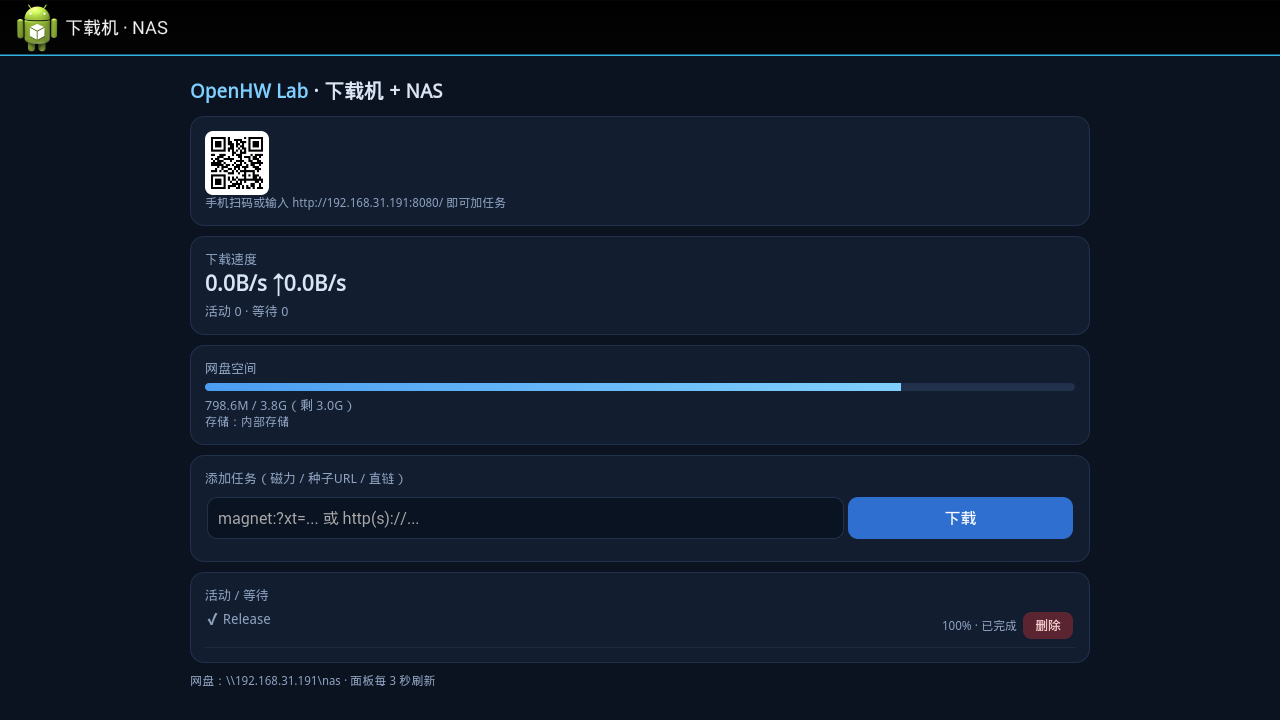
For the China Mobile M301H (Skyworth CW build, model M301H_CW0_AH, HiSilicon Hi3798MV300): aria2 (magnet/BT/direct) + Samba share + web panel with QR. Auto storage switching — plug in a drive and downloads land on it; unplug and they use internal storage (vfat/exFAT/NTFS).
43643a0e06c6c6255051f538f086afca5afc424af7edd3217880746031a2a3ffFor the China Mobile HG680-R (MStar / Android 4.4.4): desktop with double-click icons, Firefox desktop-mode browsing, Dangbei apps, LAN file transfer; mouse-pointer patch (hand→arrow); fully automatic boot.
a2b27233241ab407f28183d9536cf6715c16e7608d622ae76a8e60667e0ead0aTV box → home karaoke: boots straight into the song-request screen. Local library (internal / USB songs & movies) + online search (NetEase Cloud Music: search / hot chart / Chinese opera / kids songs). Karaoke lyrics with progress coloring, particle visuals instead of a black screen, draggable progress bar; remote / mouse / phone QR control.
09ce2c48993f3f9ff5bc0b256cb689962ebfea0047cb3d7b37653d836bfa7750Turn a spare TV box into a simple desktop PC for kids: boots straight into a Windows-style desktop (Browser / Files / Settings), password-free Settings; browser opens desktop Baidu, no soft-keyboard popup, arrow-key navigation; works with keyboard / mouse / remote.
d3d8ba2c8f61f84c2600f91f7ec0b53a5352587e384b64a81c6a2afda41d07d38 native mini-games + study/exam/tutorial games. Control by remote / gamepad / mouse / keyboard / phone-as-controller. 1–9 players on one screen, fully offline.
353323a08889fcfa6c88737293e9d2741f22e2f1a6a32edb281796512b74aa2aTurn the box into a light desktop: desktop + browser + Chinese IME + LAN file transfer + USB drive, with storage used as extra memory and self-healing boot.
fa2cb83e41675505bb188516f6fcd5a25dd4346b5407679ff65ab98a7907438eMade for watching lots of video (browser / video apps / cast / live TV) and office work with WPS Office (Word / Excel / PPT) — one double-click away.
7cd70c93be48ca3d77121af9bd81eb6fad3e59688b85e195c3b669525b717a7bPlug in one USB camera to get a recorder: live view + 30s loop recording + phone remote + motion detection + object detection + push alerts.
269736c83cd1e4ea653d169ec03cfa3de80b0e3bc7f15b76acef526fe3704cf2Turn an old USB printer into a network printer: print from phone/PC via web, AirPrint, IPP — with automatic model detection and driver install.
a2228cd2fe8a5780b1b77848b01ddc19dcf9c1d1a7ee1151173187f8ef5842ffIdle box + USB drive = download box + home NAS: aria2 (magnet/BT/direct), Samba share, scan-to-add — boots into the panel.
d49080887612ecd9b1a1d4e21799349c9213b5b22ea4315de7ac6b0a61f2cb4bIdle box = a LAN DNS (AdGuard Home): ad/tracker blocking for every device, configured once for the whole home.
7afbc5af738ca76da4263725e5270b5739cc84720a2baff61e28a1d4cc885881Media center, travel router, home server… Tell us what you want next.
Every .zip includes: install files (apk / scripts / one-click install) + Install-Guide.pdf (plus md/txt/html) + developer docs (with source). Unzip and go.
⚠️ Download notice: these kits require some hands-on / technical skill (box rooting, ADB / serial, command line) to install. Total beginners, please be cautious. Installation may fail or brick the device — proceed at your own risk.
.zip you want and unzip it.Install-Guide.pdf (illustrated, ~30–60 min).install/one-click-install.sh <box-ip>, or follow the guide manually.Everything runs locally on the device, nothing goes to the cloud. Only features you set up yourself (file transfer, remote view, alerts) use your own network.
Rooted Android TV boxes (Android 4.4+, armv7 / arm64). Tested on HiSilicon Hi3798MV100 and ZTE ZX296715. Other models will likely work.
Completely free and open source (MIT).
No flashing and no partition changes — just uninstall the apk / re-enable the apps you disabled.
Absolutely. Each kit ships a developer-docs/source folder with source and guides. Get in touch anytime.